Discover — How To?
Find a simulation event
If you want to program a simulation event in SPAD.neXt but aren't sure which one is correct, there are a few approaches.
You can just try-and-error by programming an event that "sounds" good and giving it a try. If it does what you want, you're done — if not, try the next one. This works well for common events where the name is meaningful, e.g. "NEXT_VIEW" to cycle to the next view defined in the aircraft.
However, there are events that are well hidden in the system (by either FSX or P3D).
Let's say you want to bind "open/close GPS window" to a button. If you browse through events with "GPS" in the name, you won't find one that opens or closes the GPS window — and if you try them all, none of them will do what you want.
How to find the correct event, then?
Here one of the free add-ons comes into play: the Event Monitor.
In SPAD.neXt, click "Addons" → "Event Monitor".
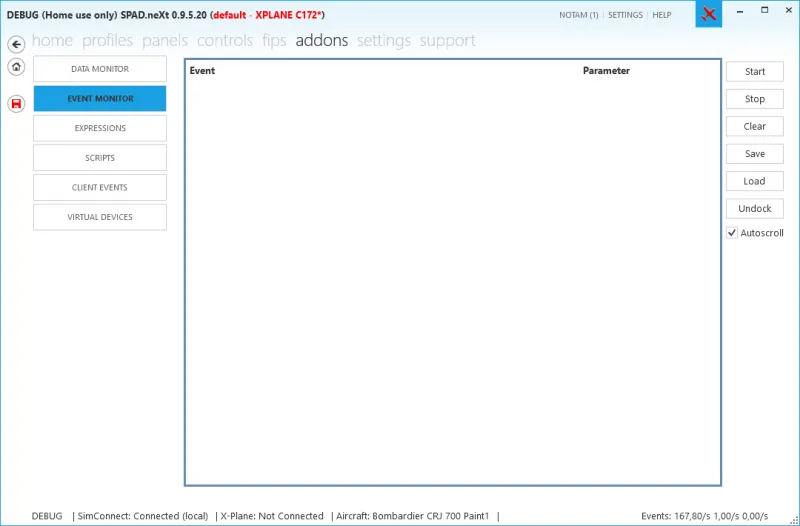
Click "Start" to begin event monitoring. If you want the Event Monitor in a separate window, click "Undock" to undock it.
Depending on what you do next, events may start streaming through the window that you don't need.
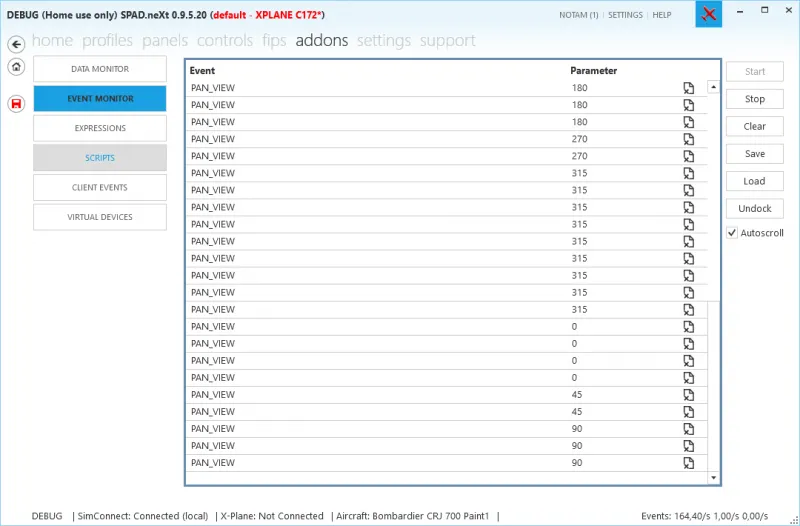
You can click the "Delete" icon next to an event to ignore it in the monitor (this stays active until you restart SPAD.neXt or press "Clear").
If you haven't already, in FSX assign the function you want to program to a keyboard control.
Press the key bound in FSX/P3D to that function.
In our case (opening the GPS window), it's usually bound to one of the instrument panel shortcuts — in most cases the 3rd one (Shift-3).
Press it, and the event will show up in the Event Monitor:
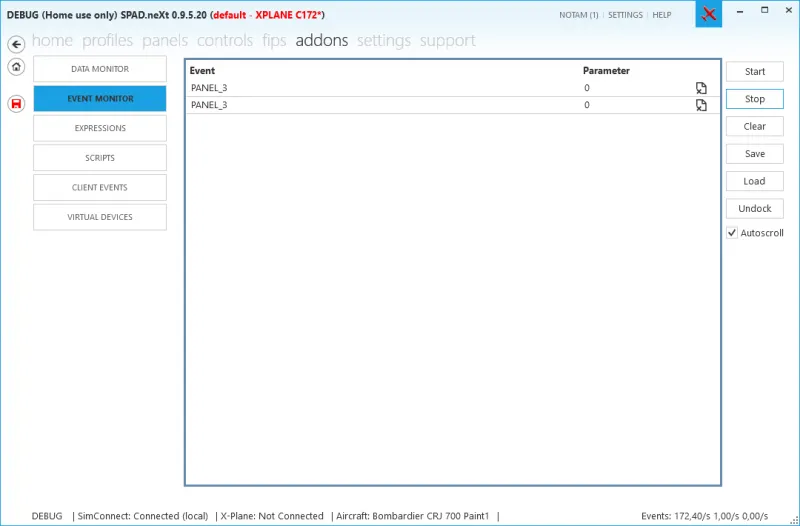
Voilà — there it is: "PANEL_3" is the event we need. (It appears twice because we opened and closed the GPS window using Shift-3.)
You can stop the Event Monitor again (press "Stop") to save CPU.
Please note: the Event Monitor will continue running in the background, using CPU and memory, if you don't stop it.